
We’ve all been there—you take a near-perfect photo, but the color of your shirt just doesn’t pop, or maybe it clashes with the background. In the past, fixing this meant hours of tedious Photoshop work or just giving up on the shot entirely.
Luckily, things have changed. With a modern AI fashion design tool, swapping colors is now as simple as a few clicks. Whether you’re a creator or just someone who wants their feed to look flawless, these AI shirt color changer make digital wardrobe updates feel like actual magic.
Top 10 AI Shirt & Clothes Color Changers
Choosing the right tool depends entirely on what you’re trying to achieve. Some people just want a quick color swap for an Instagram post, while brands need high-end realism for a product catalog. We’ve tested the top contenders to see how they handle textures, shadows, and ease of use.
1. Fashion Diffusion
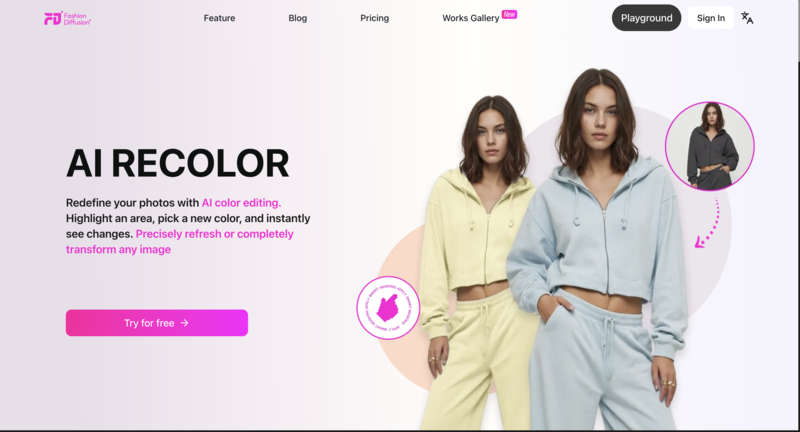
Fashion Diffusion is purpose-built for the fashion industry, making it more of a professional studio than a simple filter app. It understands fabric physics, ensuring that when you recolor a silk shirt from blue to red, it keeps that specific sheen and drape.
- Best for: Fashion brands, designers, and high-end content creators.
- Precision: It uses advanced masking that handles tricky areas like hair strands over shoulders or complex lace.
- Texture Retention: Unlike generic editors, it preserves the “feel” of the fabric—cotton still looks like cotton.
- The Workflow: It’s designed to be an all-in-one AI fashion design tool, letting you experiment with professional-grade recoloring or even deep-dive into AI T-shirt design without needing a degree in photo editing.
2. iFoto
iFoto is a heavy hitter in the e-commerce world. It’s designed specifically to help sellers turn one product photo into a full collection of different colored SKUs without a second photoshoot.
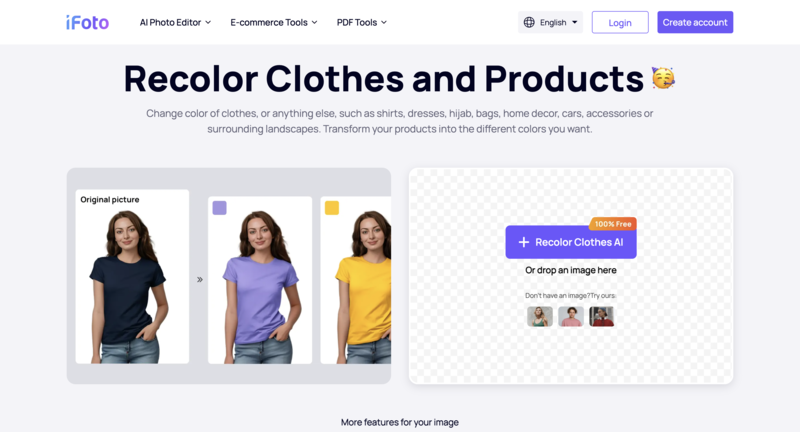
- E-commerce Focus: Features built-in tools for ghost mannequins and model swapping alongside color changing.
- Speed: Very fast processing for bulk uploads, which is a lifesaver for small business owners.
- AI Realism: It does a great job of maintaining natural lighting and shadows on the clothing.
3. Fotor
Fotor is the “Swiss Army Knife” of online photo editing. Their AI shirt color changer online tool is incredibly accessible for beginners who don’t want to deal with complex settings.
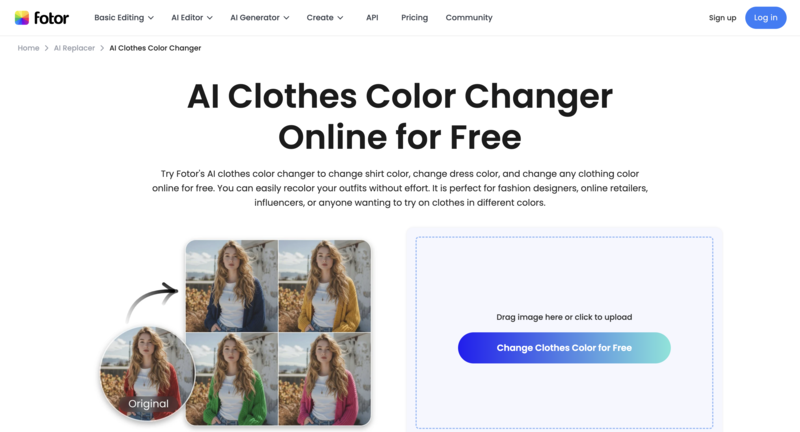
- User Experience: Simple “brush and swap” interface that feels very intuitive.
- Versatility: Since it’s a full editor, you can tweak the brightness and contrast of the new color immediately.
- Accessibility: Great for casual users who need a quick, free-to-try solution for social media.
4. Pietra Studio
Pietra is more of an end-to-end supply chain platform, but their AI design tools are surprisingly powerful for visualizing new product lines.
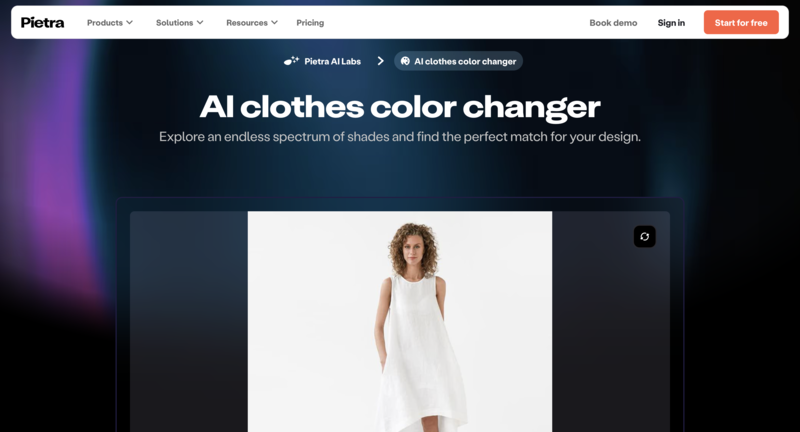
- Design-Centric: Perfect for seeing how a specific Pantone color would look on a garment before you actually manufacture it.
- Integration: Connects your digital edits directly to the manufacturing and sampling process.
- Professionalism: High-quality outputs that look believable in a professional pitch deck.
5. NoteGPT
While NoteGPT started as an AI summary tool, it has expanded into creative AI features, including clothing recoloring. It’s a clean, no-fuss option for quick digital edits.
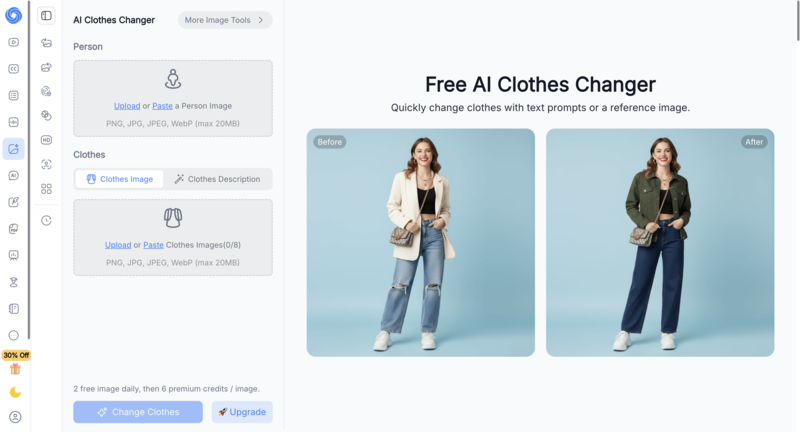
- Simplicity: The interface is stripped back, making it very fast to load and use.
- Convenience: Good for users who are already using AI for productivity and want a quick creative fix in the same ecosystem.
- Output: Best suited for mockups or rough drafts rather than high-resolution print ads.
6. insMind
insMind is a dedicated AI photo design tool that has gained a lot of traction for its “magic” editing capabilities. It’s particularly good at identifying different parts of an outfit automatically.
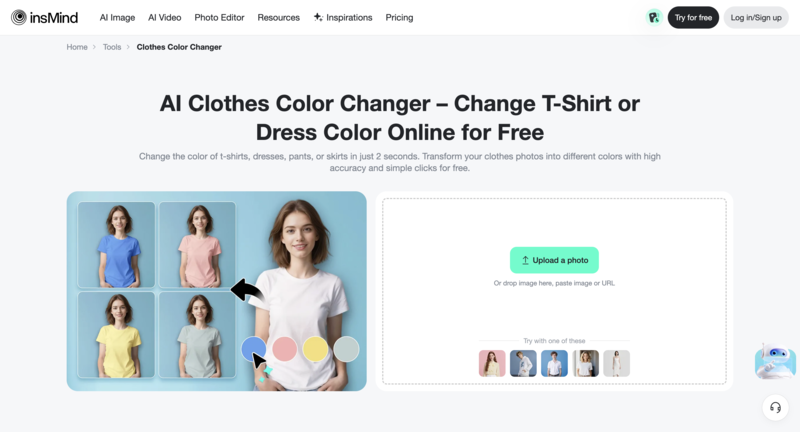
- Auto-Detection: It’s quite smart at telling where the shirt ends and the pants begin, reducing the need for manual brushing.
- Quality: Offers high-definition results that don’t look “pixelated” around the edges.
- Free Options: A solid choice for someone looking for a high-quality ai shirt color changer free experience.
7. Segmind
Segmind is for the “power users” who like to have control over the underlying AI models. It’s built on Stable Diffusion, giving you deep customization options.
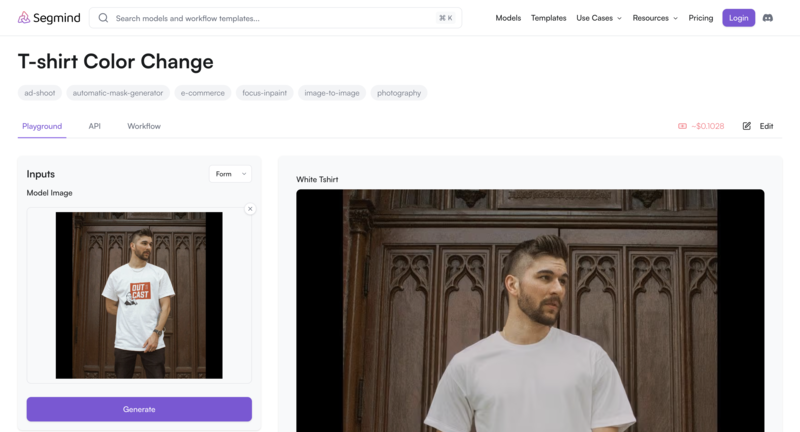
- Control: You can use specific prompts to describe exactly how the new color and texture should look.
- Customization: Great for creators who find “one-click” tools too limiting and want to experiment with different AI models.
- Technical Edge: It’s slightly more technical but offers some of the most unique results on this list.
8. Airbrush
Airbrush specializes in generating and transforming images with a focus on photography. Its clothes color changer is designed to make the final result look like it came straight out of a camera.
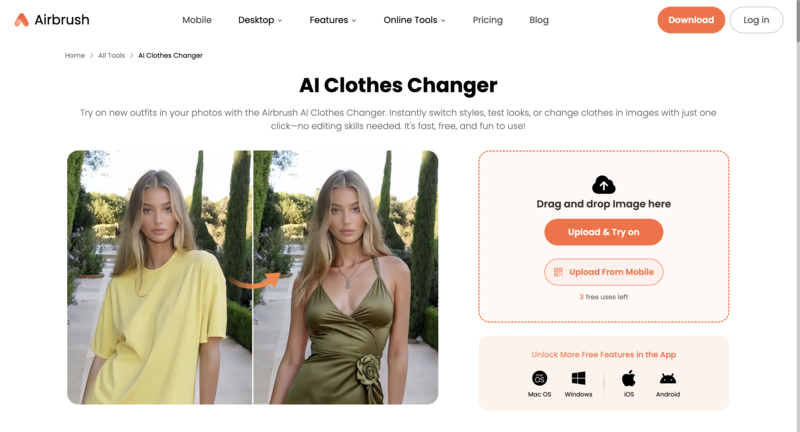
- Natural Lighting: It excels at making the new color interact naturally with the ambient light in the photo.
- One-Click: Very fast “generate” button that gives you several color variations at once.
- User Friendly: No steep learning curve—perfect for a 5-minute edit.
9. Evoto
Evoto is an AI photo editor specifically built for portrait photographers. If you are a wedding or fashion photographer with 500 photos to edit, this is your tool.
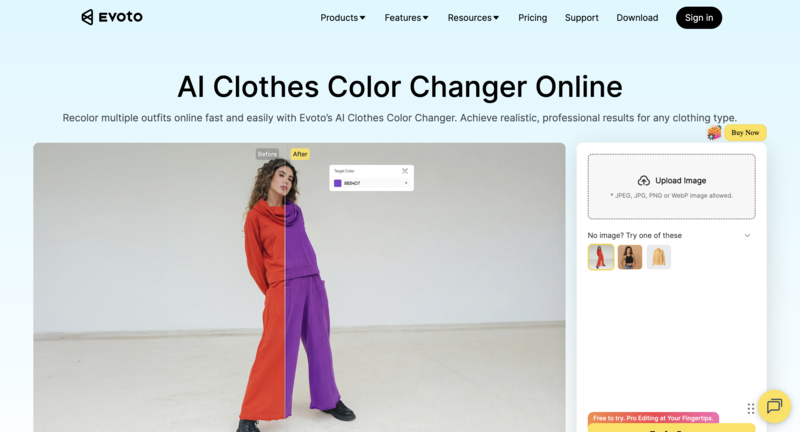
- Batch Processing: You can sync your color changes across an entire photoshoot in seconds.
- Portrait Perfection: Since it’s a portrait tool, it ensures skin tones aren’t affected by the shirt color change.
- Time Saver: Truly built for professionals who value their time above all else.
10. VisualGPT
VisualGPT acts as a creative assistant, allowing you to use text commands to change the look of your images. It’s like having a conversation with your editor.
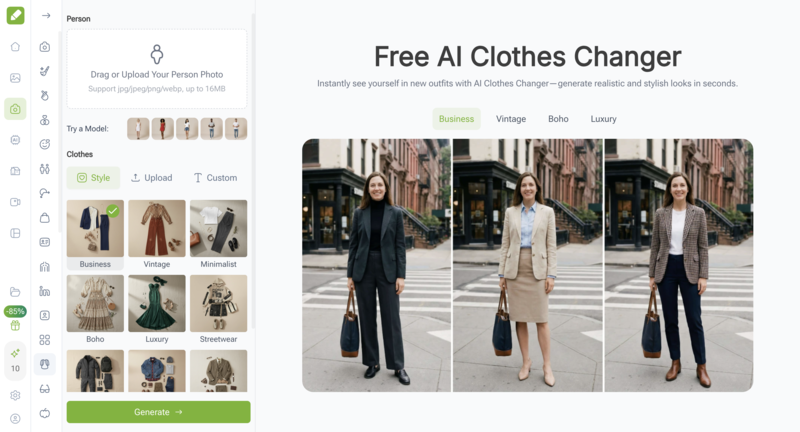
- Prompt-Based: You can say “change this shirt to a forest green velvet,” and it understands the context.
- Creative Freedom: Good for exploring “what if” scenarios during the early stages of a fashion project.
- Interactive: It’s a fun, modern way to edit that feels much more natural than clicking buttons.
Quick Comparison: Top 10 AI Clothing Color Changers at a Glance
Before we dive into the details of each tool, here is a quick breakdown to help you find the one that matches your specific needs, whether you’re looking for a professional studio setup or a quick, free online fix.
| Tool | Free Version | Best For | Difficulty | Key Strength |
| Fashion Diffusion | Yes (Trial) | Designers & Brands | Beginner Friendly | Professional fabric realism & high-res output |
| iFoto | Yes (Free Tier) | E-commerce Sellers | Easy | Batch processing & product variants |
| Fotor | Yes (Basic) | Casual Users | Very Easy | One-click “brush & swap” interface |
| Pietra Studio | Limited | Brand Owners | Intermediate | Manufacturing-ready color visualization |
| NoteGPT | Yes | Productivity Seekers | Very Easy | Minimalist, fast, and no-fuss tool |
| insMind | Yes (Credits) | Social Media Creators | Easy | Excellent auto-detection of clothing items |
| Segmind | Free (Daily limits) | Power Users/Techies | Advanced | Highly customizable via prompt commands |
| Airbrush | Yes (Limited) | Photographers | Easy | Natural lighting & realistic skin tone preservation |
| Evoto | Free to Edit* | Portrait Pros | Intermediate | Batch syncing across entire photoshoots |
| VisualGPT | Yes (Basic) | Creative Explorers | Easy | Conversational, prompt-based editing |
How to choose the Right AI Color Changer
With so many options out there, picking the right tool usually comes down to what you’re actually planning to do with the photo. A quick edit for a funny meme requires a completely different setup than a high-end fashion campaign.
To help you narrow it down, here are a few things to keep in mind before you hit that upload button.
Texture is Everything
The biggest giveaway of a poor AI edit is when the fabric suddenly looks like plastic. You want a tool that respects the original grain—whether it’s the rough weave of denim or the soft ripples of silk.
Fashion Diffusion and Evoto are particularly good at this, ensuring the “soul” of the garment stays intact while the color shifts. If the tool flattens out the shadows and highlights, the result will look like a 2D sticker.
Speed vs. Precision
If you have a batch of 50 product shots for an online store, you don’t have time to manually brush over every sleeve. In that case, you’ll want a tool with strong auto-detection like iFoto or insMind.
However, if you’re working on a single, complex hero image where the model has hair blowing over their shirt, you’ll need the precision of a tool that allows for manual masking and fine-tuning.
Output Quality and Format
Are you just posting to an Instagram Story, or is this going on a billboard? Many ai shirt color changer free tools are great for mobile viewing but might compress your image, making it look blurry on a larger screen.
Always check if the tool allows for high-resolution exports. For professional work, look for platforms that offer PNG or TIFF formats to keep your edges crisp and your colors vibrant.
Pro Tips For Perfect Results
Getting a believable color swap isn’t just about the AI; it’s about starting with a solid foundation. Even the best AI fashion design tool works better when you give it high-quality data to process.
If you want your digital wardrobe to look like it was actually there during the shoot, keep these three tips in mind.
Start with Neutral Tones
It’s much easier for AI to turn a white, grey, or beige shirt into a vibrant color than it is to turn a pitch-black hoodie into a pastel yellow.
Neutral base colors preserve the highlights and shadows most effectively, giving the AI a clean canvas to apply new pigments without “muddying” the texture.
Watch the Lighting
If your original photo has very harsh, direct sunlight or deep, messy shadows, the AI might struggle to distinguish the fabric from the environment.
Soft, diffused lighting is your best friend. It allows the AI shirt color changer online to see the true folds of the fabric, ensuring the new color wraps around the body naturally.
Mind the Reflected Light
One detail people often overlook is “color spill.” If you’re wearing a bright neon green shirt, that green light will reflect onto your neck and jawline.
When you change that shirt to blue, a high-end tool like Fashion Diffusion helps, but you might still need a quick touch-up on the skin tones to make the scene look 100% authentic.
Elevate Your Visuals with the Right Choice
The days of needing a professional retouching studio just to change an outfit color are officially over. Whether you’re a content creator or a brand owner, having a reliable AI shirt color changer in your digital toolkit saves hours of frustration and opens up endless creative possibilities.
While there are many general editors out there, the best results come from tools that actually understand the nuances of clothing. This is where Fashion Diffusion truly shines, offering the perfect balance between professional-grade realism and a user-friendly interface that anyone can master.
Ready to see the magic for yourself? Head over to Fashion Diffusion today and transform your photos with just a few clicks. It’s the easiest way to ensure your wardrobe always matches your vision—give it a try and let your creativity run wild!
FAQ
Yes! Modern tools use advanced “segmentation” to identify fabric folds and shadows. Instead of just “painting” over the shirt, the AI applies a new color layer that respects the original lighting, making it look like the garment was actually that color when the photo was taken.
The process is usually very simple:
Upload your photo to an online tool.
Select the shirt or item you want to change (most AI tools will auto-detect this).
Choose your new color or enter a specific HEX code.
Generate and download your high-resolution image.
High-quality AI tools are designed to isolate only the clothing. If you use a specialized AI fashion design tool, it will create a “mask” around the shirt, ensuring that your skin, hair, and the background remain completely untouched and natural-looking.
For the best results, use high-resolution photos with clear lighting. Solid-colored shirts (like white, grey, or blue) are generally easier to recolor than complex patterns. However, advanced AI can now even handle textures like denim, silk, and wool with ease.


关于作者