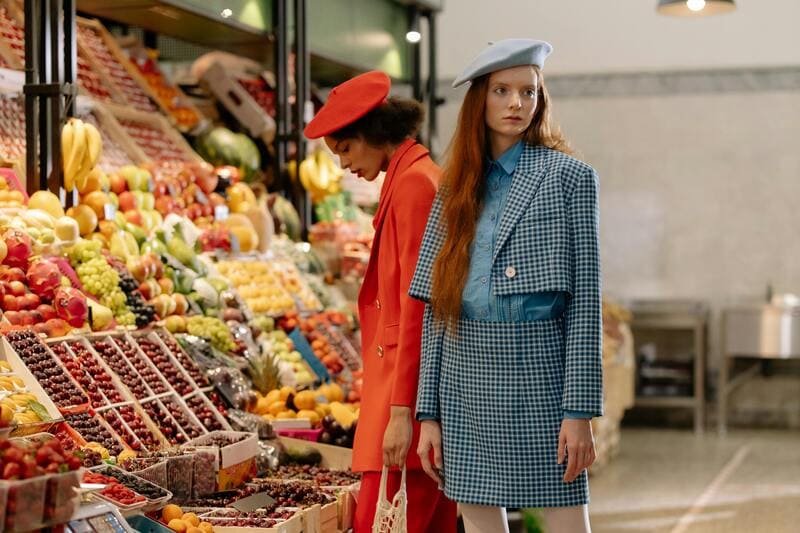

Creating clean, professional product images is essential for selling clothing online. Whether you are running a Shopify store, managing an Etsy shop, or building your own brand site, your product photos directly impact clicks, trust, and conversions.
But traditional background editing tools like Photoshop can be slow and difficult to scale, especially when you have dozens of SKUs and color variations.
Today, AI makes it possible to change clothing backgrounds in seconds, without any design skills.
In this guide, you’ll learn how to use an AI background changer for clothing, when to use it, and what types of backgrounds work best for e-commerce.
Why Product Photo Backgrounds Matter in Fashion E-commerce
For many clothing sellers, independent store owners, and Etsy shop operators, the background often feels like a small detail—easy to overlook compared to the product itself.
But in reality, it plays a much bigger role than expected. The background quietly shapes how your product is perceived. It can either distract from the clothing or instantly make it look more polished and professional. In a space like fashion e-commerce, even subtle differences can influence whether someone clicks or keeps scrolling. Research from Nielsen Norman Group also highlights how elements like visual hierarchy impact how users process and evaluate images.
When used intentionally, your background becomes a performance driver. Here’s what it directly affects:
- Conversion rates: Cleaner visuals help customers focus on the product.
- Brand perception: Consistency makes your store look more professional.
- Marketplace compliance: White backgrounds are often preferred or required.
- Ad performance: Lifestyle scenes can boost engagement.
- Product clarity: Good contrast highlights fabric and details.
For fashion sellers, it’s a small change that can make a noticeable difference.
Photoshop vs AI: A Better Way to Change Clothing Backgrounds
For a long time, Photoshop has been the go-to tool for changing product photo backgrounds. But for most clothing sellers and e-commerce operators, it’s not always the most practical solution.
Editing clothing images in Photoshop often involves manual selections, layer masking, and constant fine-tuning—especially when dealing with complex edges like hair, lace, or soft fabrics. Even for experienced users, this process takes time. For beginners, the learning curve can be a real barrier.
When you are managing multiple SKUs, colors, and seasonal updates, this workflow quickly becomes difficult to scale.
Why AI Is the Best Photoshop Alternative for Clothing Background Changes
This is where AI tools change the game.
Instead of spending minutes or even hours on a single image, you can now AI change background clothing images in seconds—with no design skills required. To make the difference clearer, here’s a quick comparison:
| Feature | AI Background Changer | Photoshop |
| Speed | Seconds per image | Several minutes (or more) |
| Skill required | None | High learning curve |
| Handling complex fabrics | AI-trained, automatic | Manual, skill-dependent |
| Cost | Low / free options available | Subscription + labor cost |
| Workflow efficiency | One-click process | Multi-step editing |
Modern AI fashion design tools are trained specifically on fashion images, allowing them to:
- Automatically detect clothing edges and details;
- Handle complex fabrics more accurately;
- Remove and replace backgrounds instantly;
- Generate clean, product-ready visuals at scale.
Compared to Photoshop, the AI product background changer offers a faster, more efficient, and beginner-friendly way to change clothing background online, making it the ideal solution for today’s e-commerce workflows.
How to Change Clothing Backgrounds with AI (Step-by-Step)
With the rise of AI-powered tools, changing clothing backgrounds is no longer a technical task. It’s something anyone can do in just a few clicks.
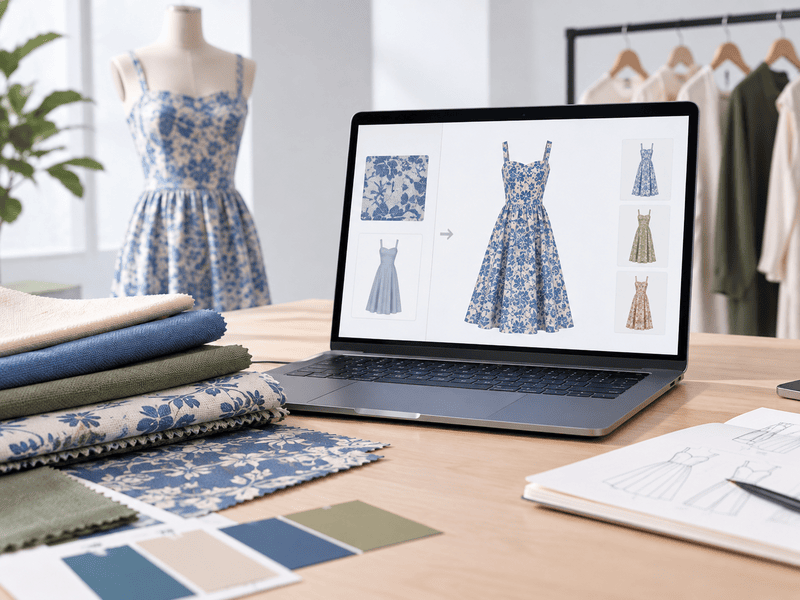
Instead of manually cutting out images or learning complex software, you can now use tools like Fashion Diffusion to remove background and change background with clean, realistic results. Built specifically for fashion images, it understands garments, fabrics, and model positioning, making the entire process faster and more accurate.
Here’s how to AI change background clothing images step by step.
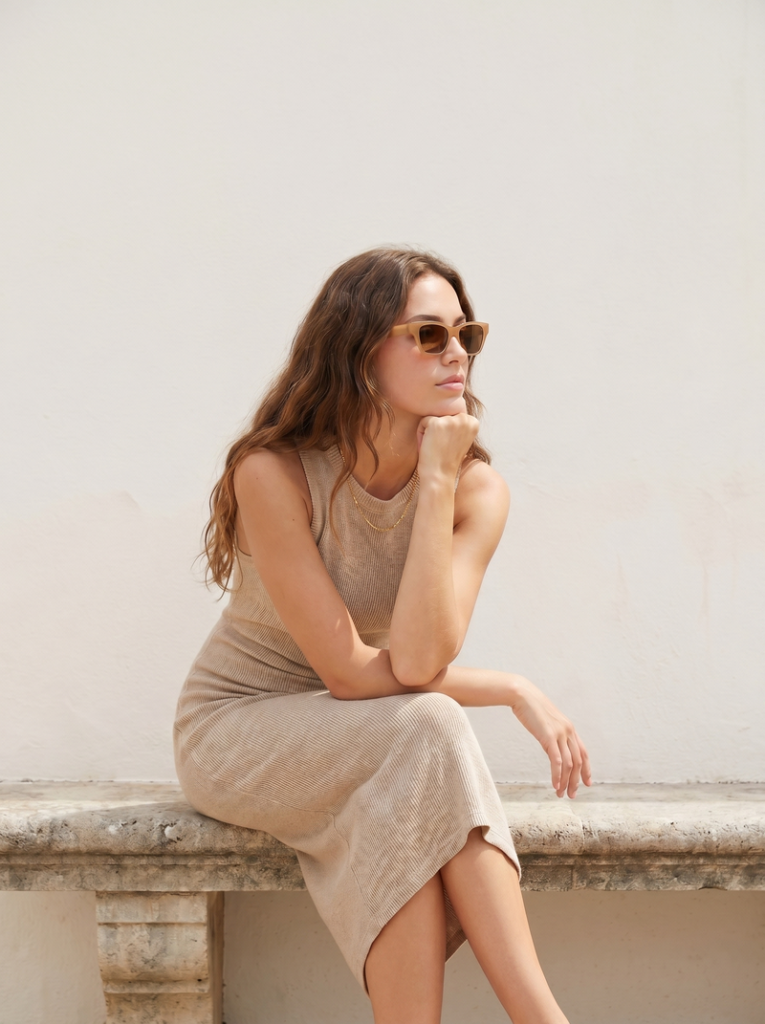
Step 1: Upload Your Original Image
Start by uploading your clothing image—this can be a model shot, flat lay, or mannequin photo.
Step 2: Automatic Background Removal & Adjustment
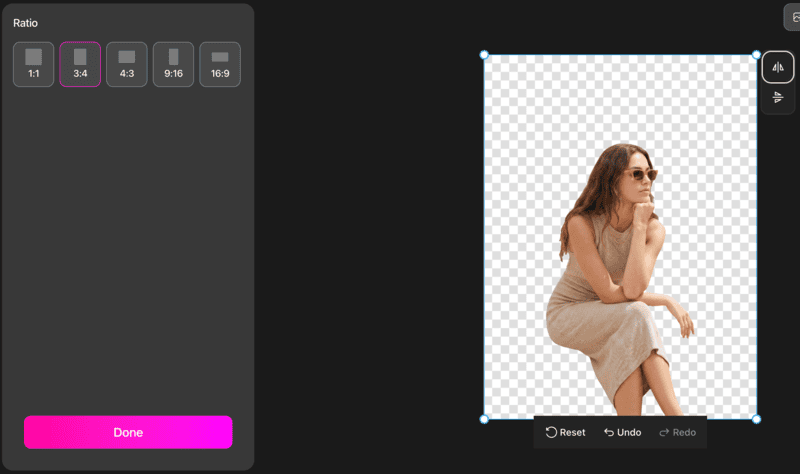
The system will instantly remove the original background. You can then fine-tune the composition:
- Adjust the model’s position;
- Resize or reposition the subject;
- Choose your preferred image ratio (e.g., 1:1, 3:4).
Step 3: Choose How You Want to Generate the New Background
At this stage, you have two flexible options depending on your workflow:
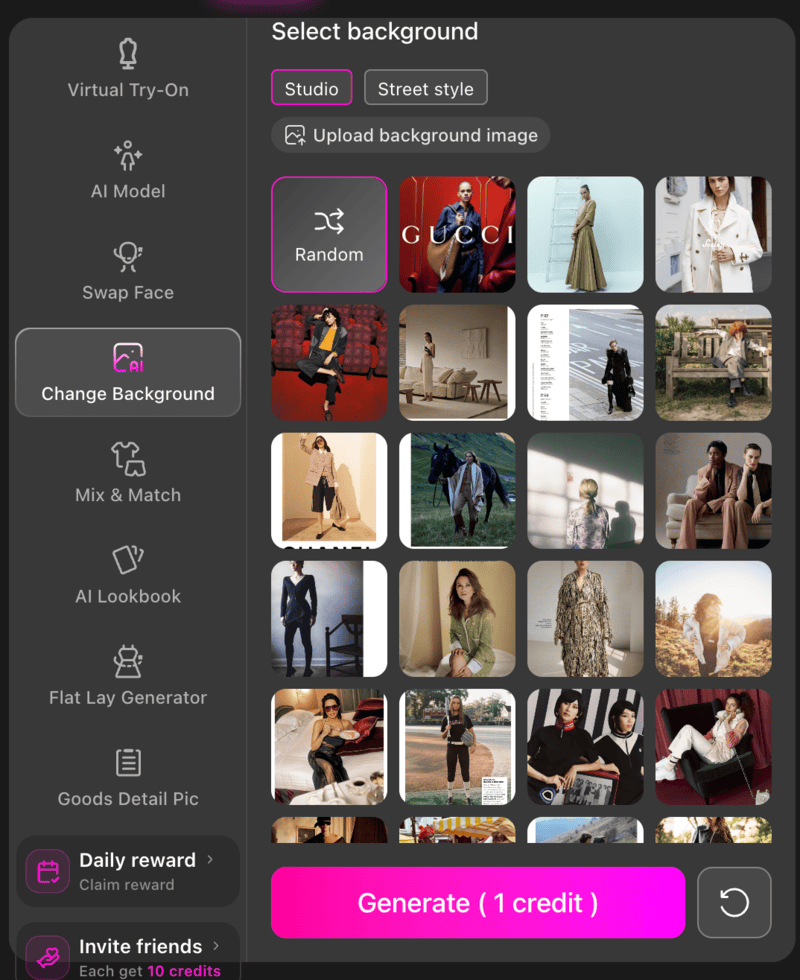
Option A: AI Background (Visual Selection)
If you want a more controlled and consistent result, this option lets you choose from ready-made background styles. For example, a clean studio background works well for product listings, while a street-style scene adds a more lifestyle feel.
You can also upload your own background to match your brand or campaign visuals. This makes it a good choice for maintaining a consistent look across your product images.
Option B: Text to Background Image (Prompt-Based)
If you prefer a faster and more flexible approach, you can simply describe the background you want.
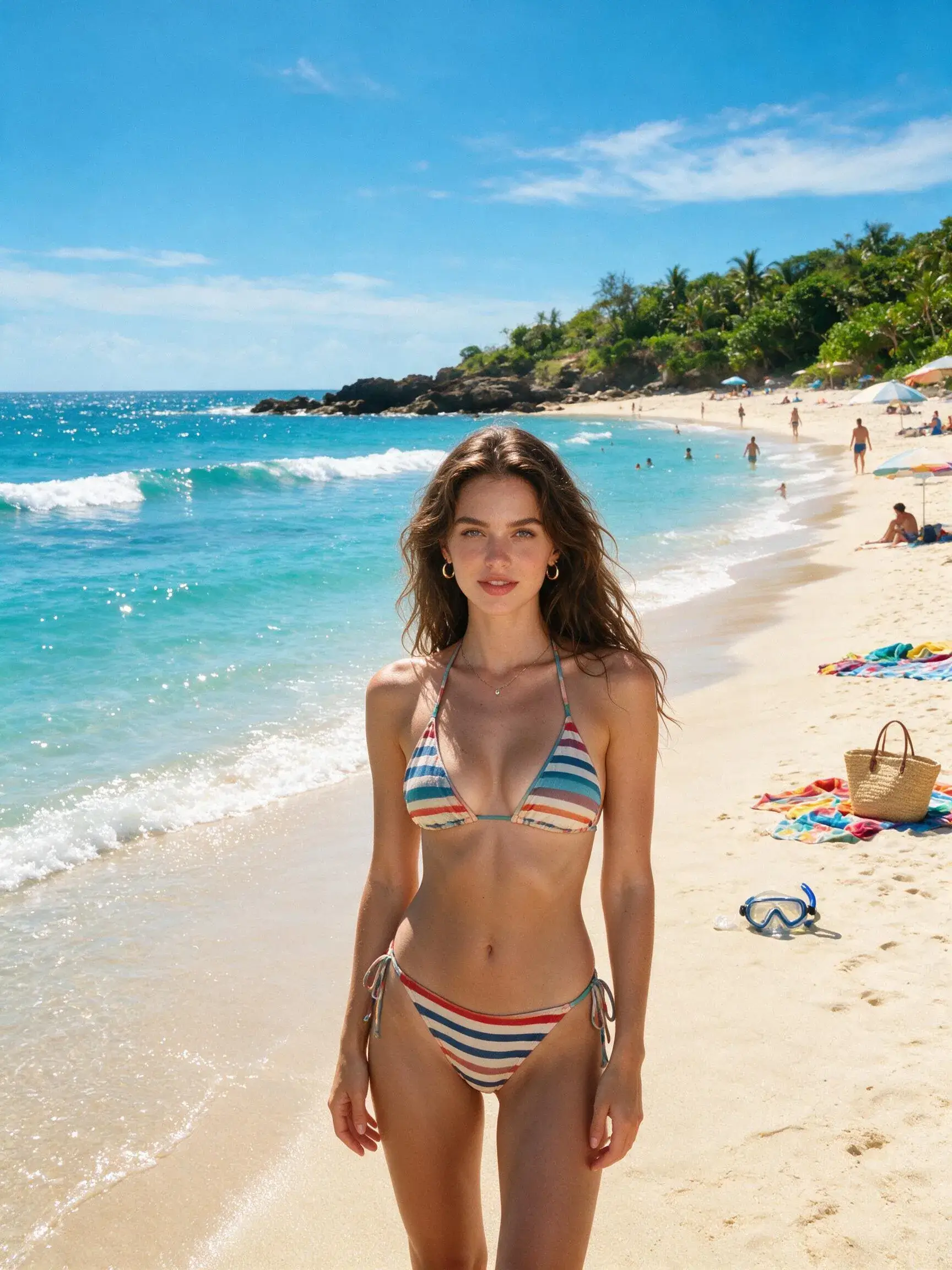
For example, entering prompts like minimal white studio with soft shadows or summer beach with natural light allows the AI to generate a matching scene automatically. You can also start with just a simple keyword, and let the AI prompt assistant expand and refine it into a more complete description.
This is especially useful when you want to quickly test different styles or create variations.
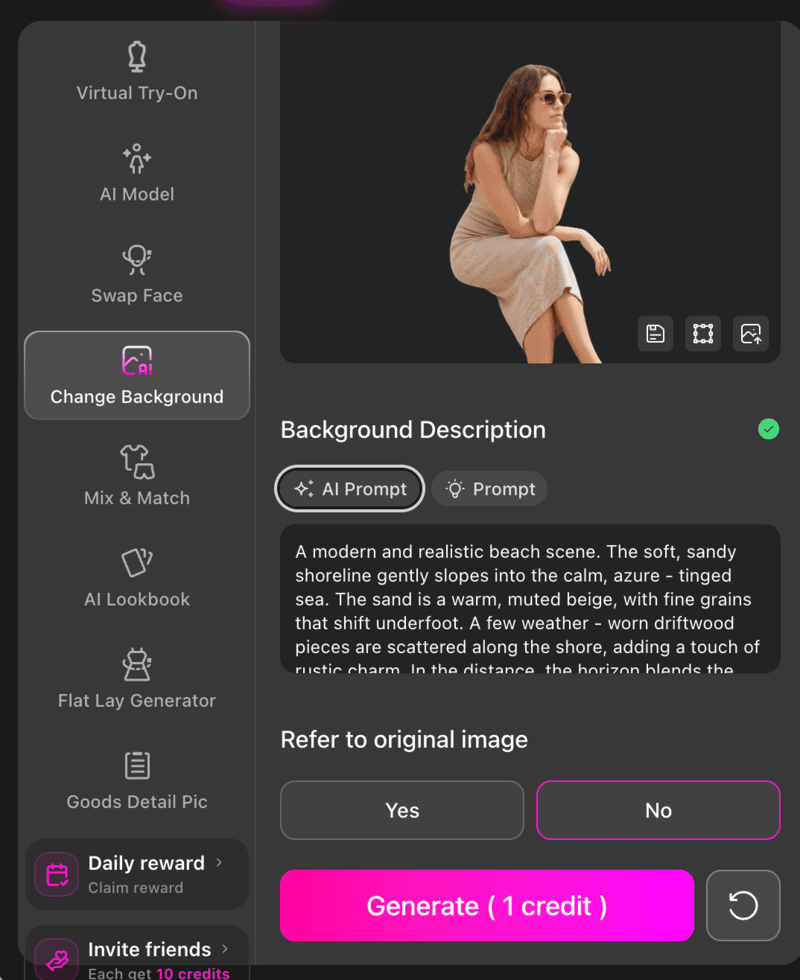
Step 4: Generate the Final Image
Click generate, and the AI will produce a polished, product-ready image with the new background applied.
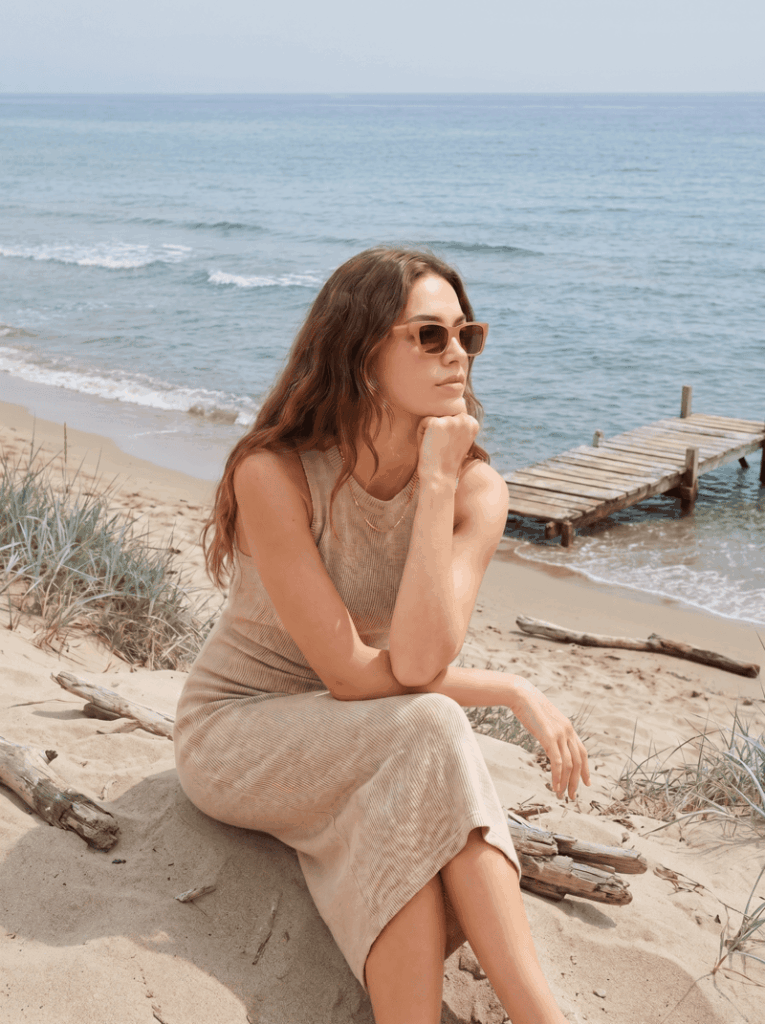
Best Background Ideas for Clothing Product Photos
The right background isn’t just about style—it should match where and how the image will be used. Below are some of the most effective background types for clothing product photos, along with when to use each one.
White Background (For Marketplaces & Product Listings)
A white background is the safest and most widely used option in fashion e-commerce.
It works best when you need clean, distraction-free visuals that meet platform requirements. Many marketplaces like Etsy and Amazon prefer white backgrounds to ensure consistency across listings. Use this when your priority is clarity, compliance, and consistency.
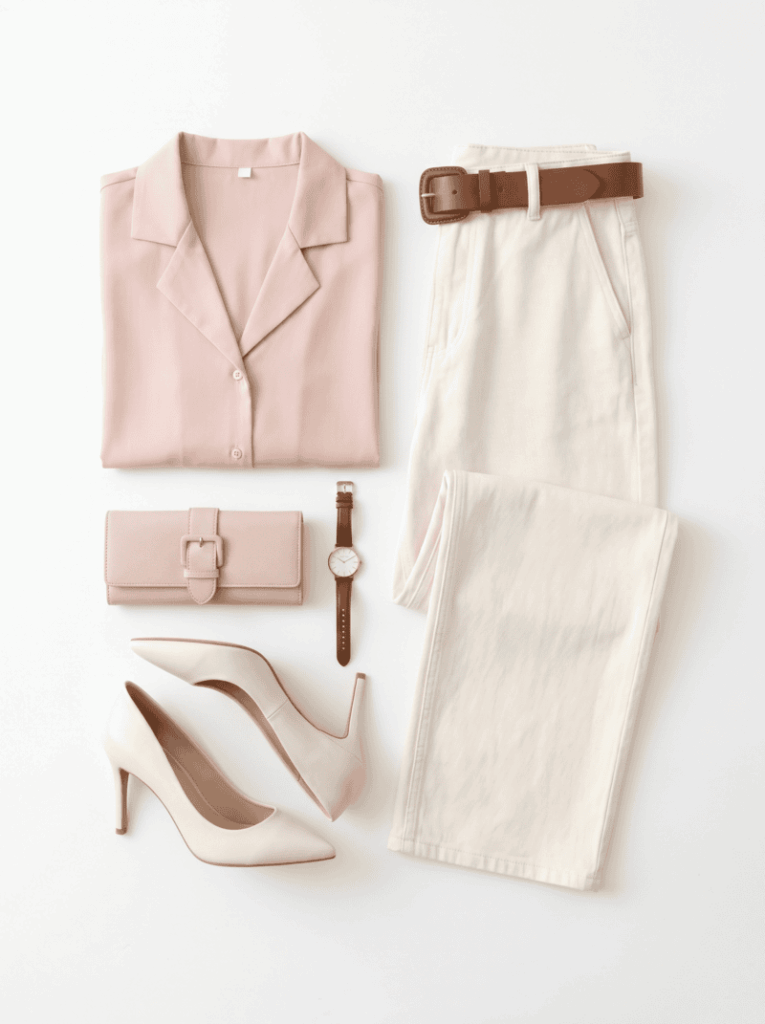
Best for:
- Product detail pages;
- Marketplace listings (Etsy, Amazon, Shopify);
- Catalog images with multiple SKUs.
Lifestyle Background (For Branding & Social Media)
Lifestyle backgrounds place your clothing in a real-world context, making the product feel more relatable and aspirational.
Instead of just showing the item, you’re showing how it fits into a certain mood or scenario—like a street setting, café, or outdoor environment. Use this when your goal is engagement and storytelling.
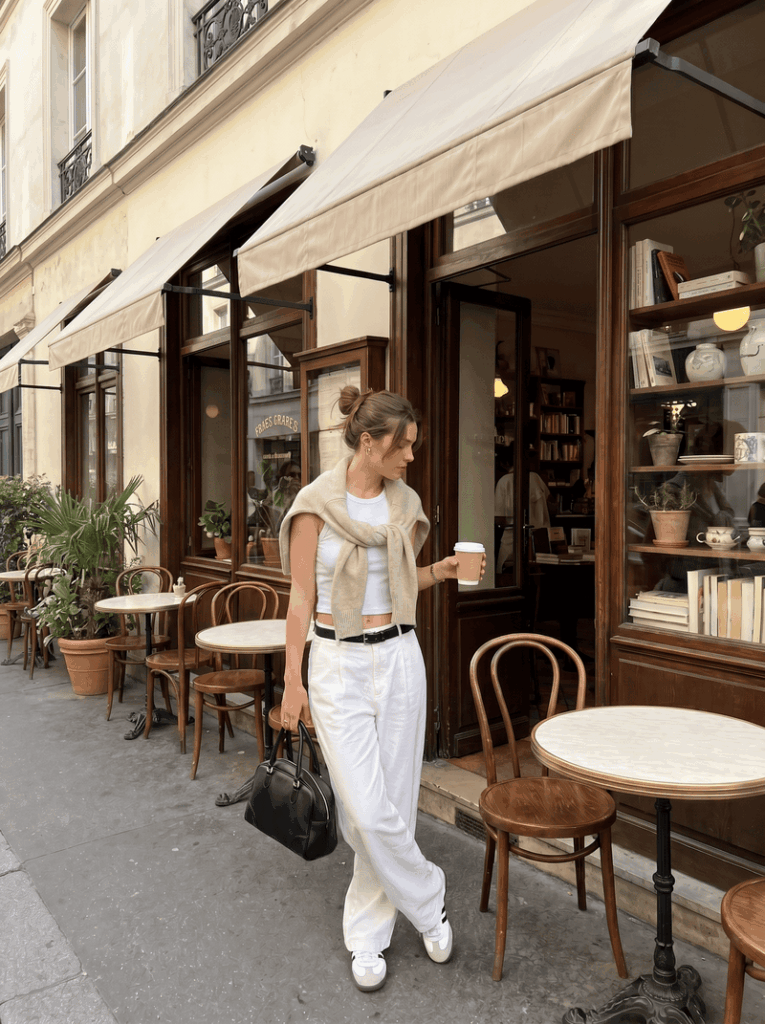
Best for:
- Social media posts and ads;
- Brand campaigns;
- Lookbooks and landing pages.
Seasonal Background (For Promotions & Campaigns)
Seasonal backgrounds help your product feel timely and relevant.
By matching your visuals to a specific season or event—such as summer, winter, or holiday campaigns—you can make your listings feel more aligned with what customers are currently shopping for. Use this when you want to increase relevance and campaign performance.
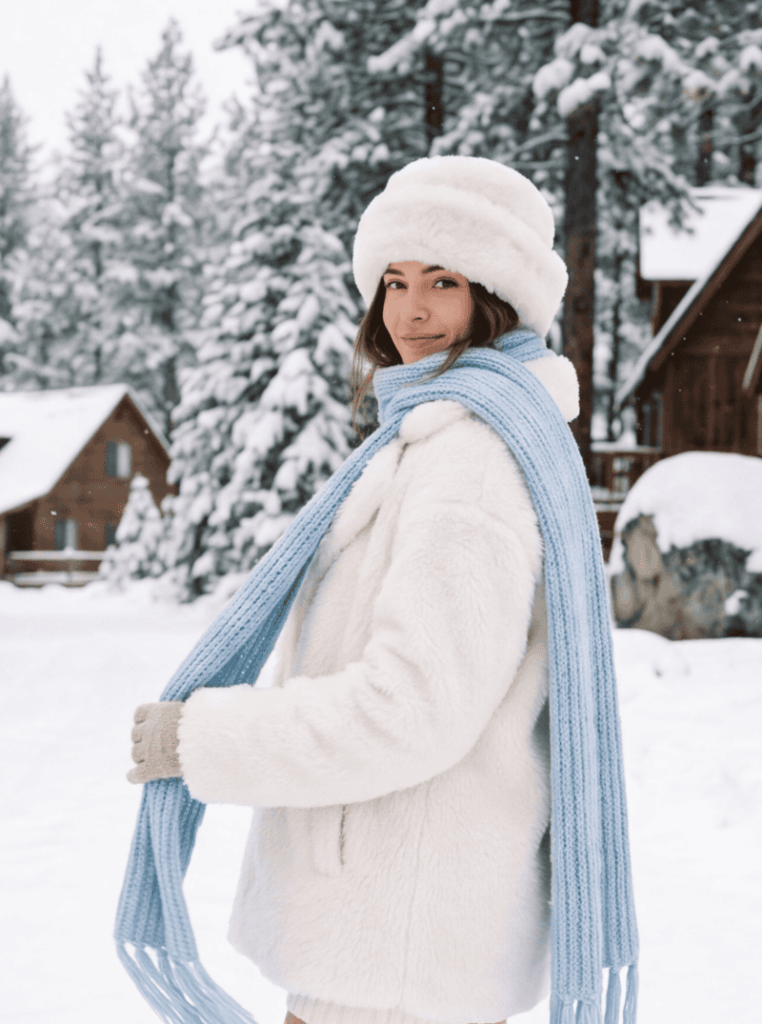
Best for:
- Holiday promotions (e.g., Christmas, summer sales);
- Limited-time campaigns;
- Homepage banners.
Minimal Studio Background (For Premium Branding)
A minimal studio background uses soft tones, subtle shadows, or neutral gradients to create a more elevated, editorial feel.
Compared to pure white, it adds a bit more depth while still keeping the focus on the clothing. Use this when you want a clean but more refined, high-end look.
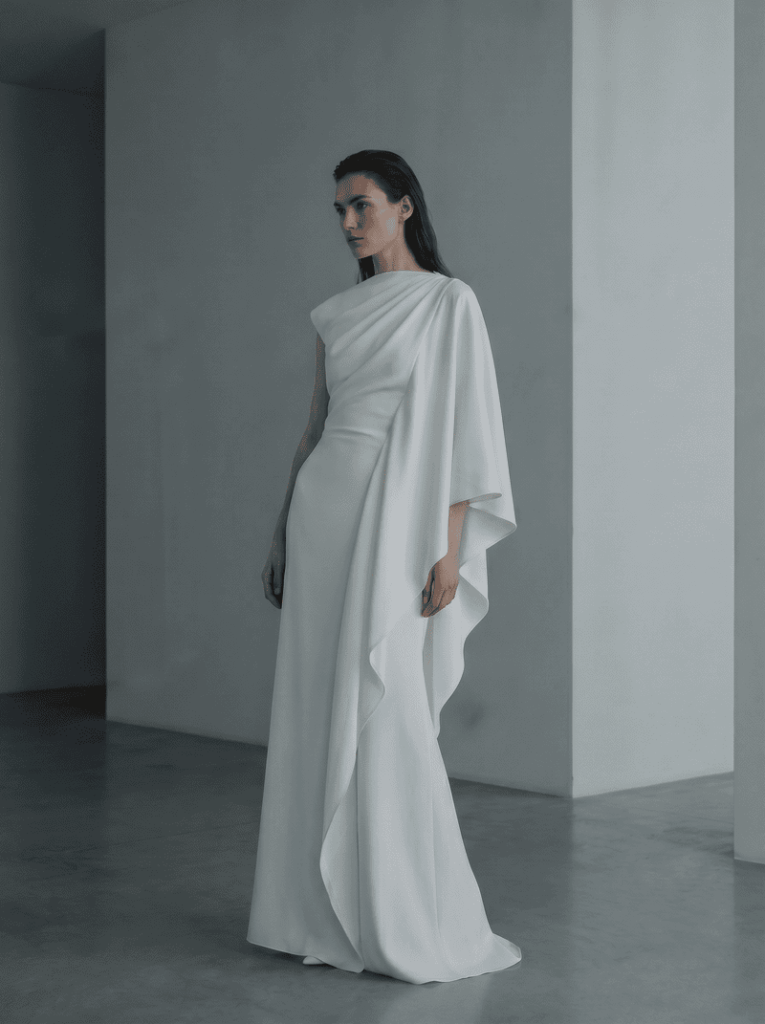
Best for:
- Direct-to-consumer (DTC) brand websites;
- Premium product pages;
- Fashion lookbooks.
Start Creating Better Product Images Today
Now that you’ve seen how easy it is to change clothing backgrounds with AI, the next step is simply putting it into practice.
Instead of spending hours editing images or coordinating new photoshoots, you can create clean, consistent, and high-converting product visuals in just a few clicks. With modern tools that combine remove background AI fashion capabilities with realistic background generation, the entire workflow becomes faster and much easier to scale.
Whether you are optimizing product listings, testing new styles, or preparing for seasonal campaigns, updating your visuals is one of the most efficient ways to improve performance.
Try an AI background changer like Fashion Diffusion for clothing and change product photo background in seconds!
FAQ
You can use AI-powered tools that automatically remove and replace backgrounds in just a few clicks, without any design skills required.
The best tools are those trained on fashion images, offering accurate edge detection, realistic background generation, and easy-to-use workflows.
Yes, modern AI tools can handle complex details like fabrics, folds, and even semi-transparent materials with high accuracy.
It depends on your goal—white backgrounds are ideal for marketplaces, while lifestyle backgrounds work better for branding and marketing.
Yes, AI tools allow you to generate multiple background styles from a single image, making it easy to test and optimize your visuals.



关于作者