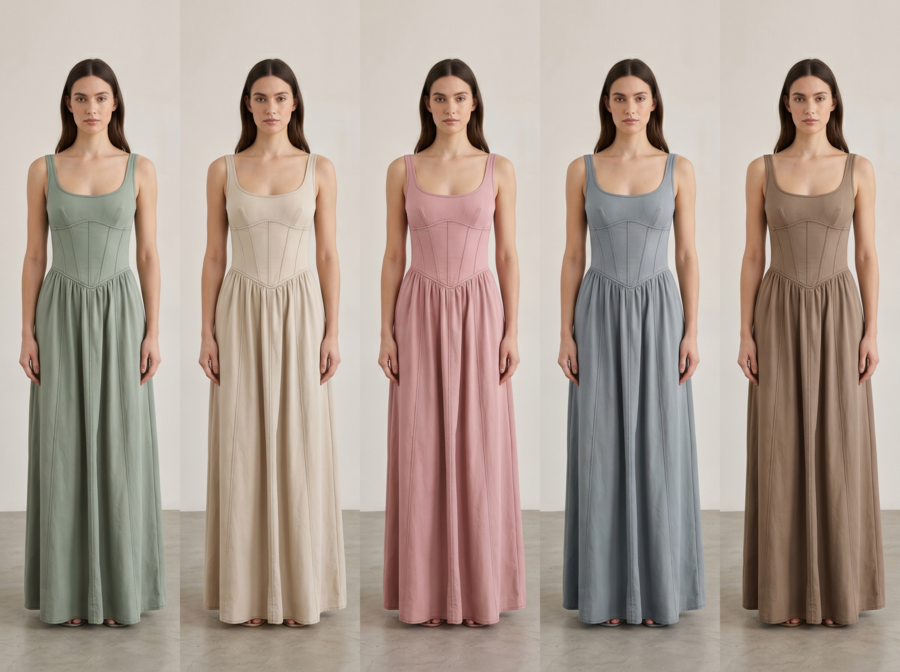

Just a few years ago, changing a single product’s color required 20 minutes of manual masking in Photoshop. Today, the latest AI Recolor tools complete the same task in seconds, often with a single click.
This technology has rapidly evolved from a designer’s convenience to an industry standard. Whether it’s individual creators perfecting portraits or fashion brands generating endless product variations, AI recolor now powers faster, cheaper, and more creative visual production.
As AI transforms design and image editing, several free AI recolor tools now make professional-grade recoloring available to everyone. Let’s explore the top AI color changers online shaping this trend in 2025.
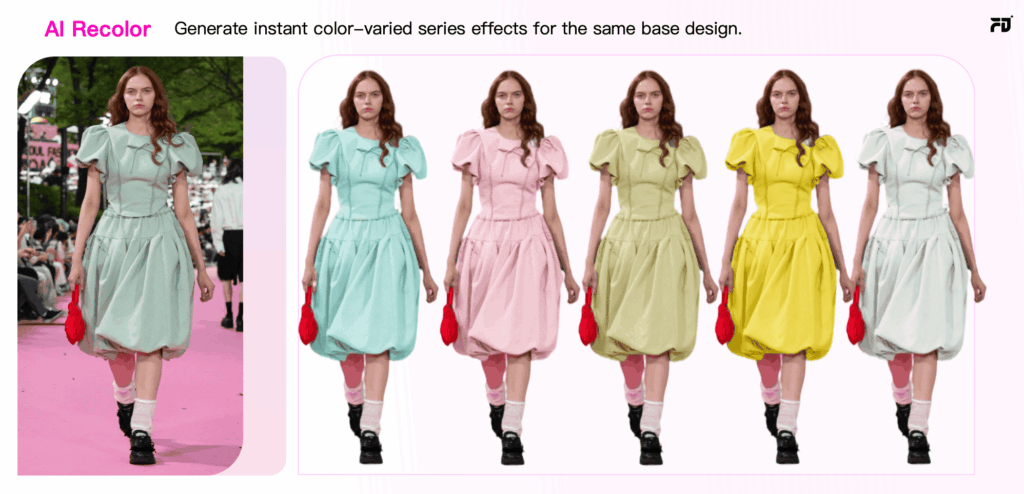
Quick Comparison: Best AI Recolor Tools for Clothes
The best free AI recolor tools for clothes in 2026 are Fashion Diffusion (best for fashion brands and e-commerce), Pixelcut (best for instant color swaps), and AIEASE (best for portrait and hair recoloring). All three offer free access with no credit card required. For high-volume, production-ready apparel recoloring, Fashion Diffusion leads on fabric accuracy and output quality.
| Tool | Best For | Recolor Quality | Free Access |
| Fashion Diffusion | Fashion brands & e-commerce | Excellent | Free trial |
| Pixelcut | Instant clothing color swaps | Good | Free (limited) |
| AIEASE | Portrait & hair recoloring | Good | Free (limited) |
| Fotor | Quick, low-fidelity swaps | Fair | Free (limited) |
| LimeWire | Prompt-based recoloring | Low | Free |
| Media.io | Photo restoration & colorizing | Fair | 3-day free trial |
| Vheer | High-volume, low-fidelity edits | Fair | Free for personal use |
What Makes a Good AI Recolor Tool for Clothes
A good AI recolor tool for clothes is one that accurately changes a garment’s color while preserving the original fabric texture, lighting conditions, and material properties — without requiring manual masking or Photoshop skills. General-purpose image editors often handle solid objects well but struggle with fabric folds, layered garments, and the nuanced way light interacts with textile surfaces. According to G2’s AI image editing category data, the most-cited user complaints for recolor tools are texture flattening (the output looks painted rather than fabric) and edge bleed (color spills into the background or adjacent garment areas). When evaluating a tool for clothing recolor specifically, four things matter:
- Fabric texture preservation — Does the recolored output still look like the original material (cotton, silk, denim), or does it flatten to a uniform tone?
- Edge accuracy — How cleanly does the AI isolate the garment from the background, especially around fine details like lace, hair, or loose threads?
- Output resolution — Is the free-tier output usable for product listings, or watermarked and low-res?
- Speed at scale — Can it handle a full catalog efficiently, or does it slow down with complex images?
1. Fashion Diffusion — Best AI Recolor Tool for Fashion and E-Commerce
Best for: Fashion brands, designers, and e-commerce sellers who need accurate, high-volume apparel recoloring.
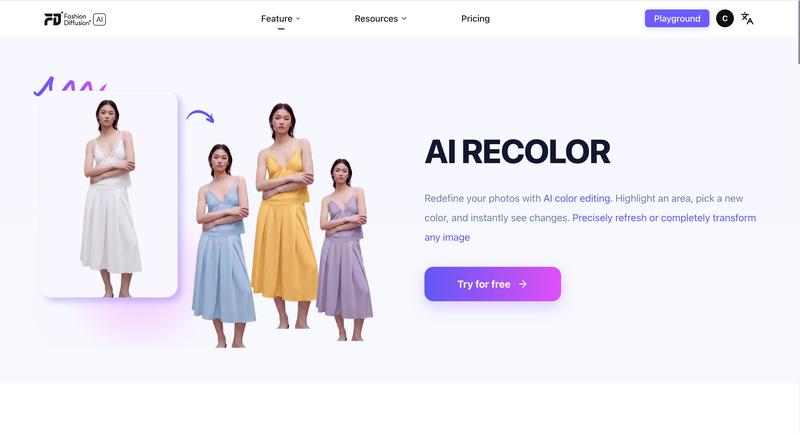
Fashion Diffusion is an AI recolor tool built specifically for fashion and e-commerce workflows, trained on large apparel datasets to preserve fabric texture, lighting, and material properties through color changes. Unlike general image editors, it recognizes fabric structures — the sheen of silk, the matte finish of cotton, the stretch of knit — and maintains them accurately in the recolored output.
The workflow is straightforward: open Fashion Diffusion’s Recolor tool, select the garment area using AI auto-detection or the manual brush, choose a color from the palette or enter a HEX code, and generate. Output is watermark-free and ready for product pages or social media.
Strengths
- Trained on fashion-specific datasets — handles fabric folds, texture, and garment edges better than general-purpose tools
- Produces watermark-free, high-resolution output on the free trial
- Part of a full fashion design workflow: pair Recolor with Apply Fabric to test specific fabric swatches, or Virtual Try On to see the recolored garment on a model
Limitations
- Free trial has usage limits; high-volume catalog work requires a paid plan
- Optimized for fashion — less suited to non-apparel image editing
2. Pixelcut — Best for Instant Clothing Color Changes
Best for: E-commerce product shots and quick individual color swaps.
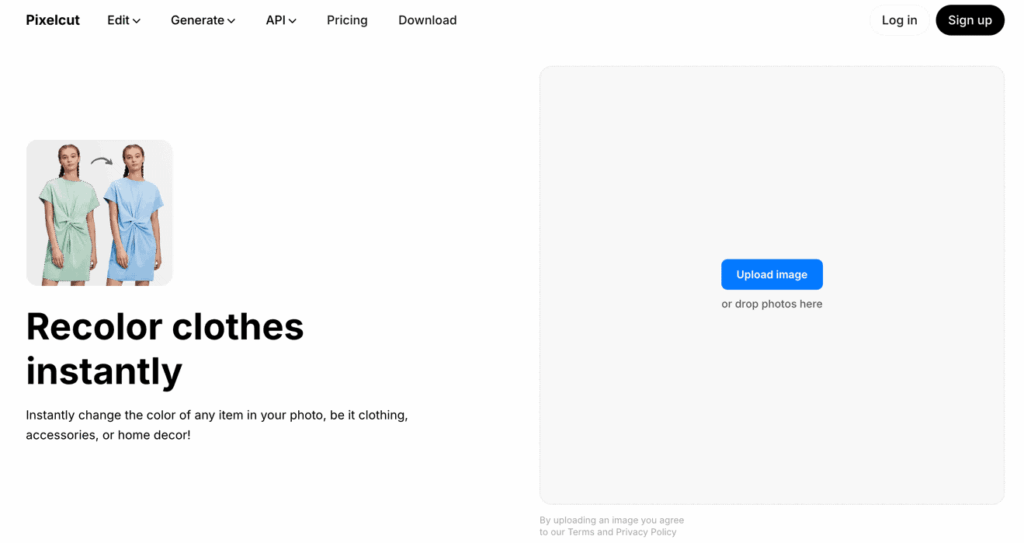
Pixelcut is an AI-powered creative platform that automatically detects multiple objects in a single image and recolors them independently — without manual selection. Useful when a product shot contains multiple garments or accessories that each need separate treatment.
Strengths
- Automatically identify and recolor multiple objects within a single image — useful for product shots with multiple garments or accessories
- Works on both phone and desktop, supports batch processing across multiple photos
- Clean interface with minimal learning curve; widely used by eBay and Etsy sellers
Limitations
- Free plan limits output resolution — insufficient for professional print or high-res marketplace requirements
- Only works with static images — no AI video generation or animated product showcases
- Commercial use requires a Pro upgrade; check terms before publishing free-tier output
3. AIEASE — Best for Portrait and Hair Recoloring
Best for: Portrait photographers and users who frequently recolor hair or personal styling.
AIEASE is an all-in-one AI image editing platform that offers a hybrid recolor control system — preset object categories (Hair, Top, Dress) for quick edits, or text prompts for more specific changes. Its object detection handles smooth edges and natural color blending well, particularly for portrait photography.
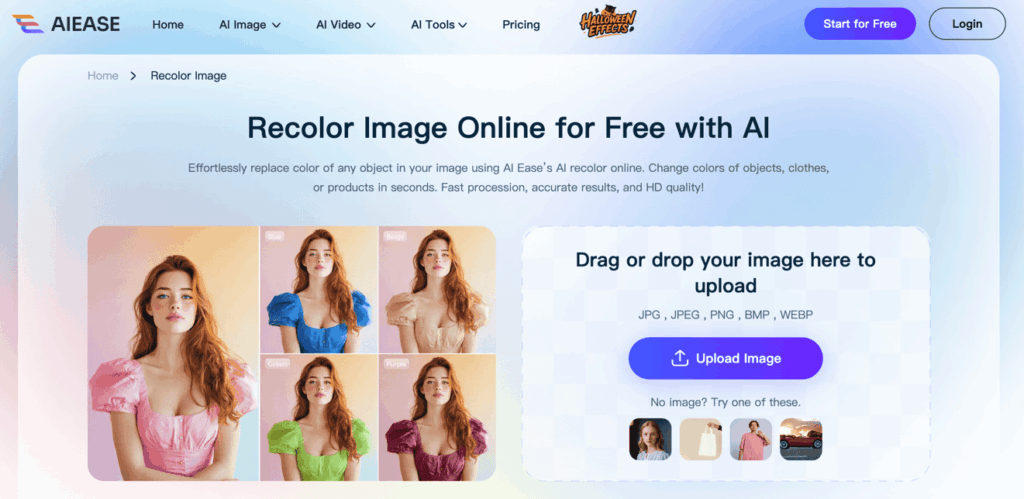
Strengths
- Preset object categories (Hair, Top, Dress) make common recolor tasks fast with no setup
- Free tier includes watermark-free downloads and is rated legitimate with a high trust score on ScamAdviser
- Covers a wide range of editing tasks beyond recolor — useful as an all-in-one editing suite
Limitations
- Recoloring struggles with complex shading or layered materials, per independent technical analysis — works well when boundaries are clear, less so for textured or multi-layer garments
- Free tier downloads are capped at 1064 × 682px — too low for most e-commerce listing requirements
• Users report occasional slow processing and errors, particularly during peak usage; requires a stable internet connection with no offline mode (Firmsuggest user reviews)
4. Fotor — Best for Quick, Low-Fidelity Color Swaps
Best for: Casual users who need a fast color preview and don’t require photorealistic output.
Fotor is an online photo editing platform that combines traditional HSL controls (Hue, Saturation, Lightness) with an AI Replacer feature accepting text prompts for color changes. The dual approach gives flexibility, though AI output can look flat compared to specialized fashion tools.
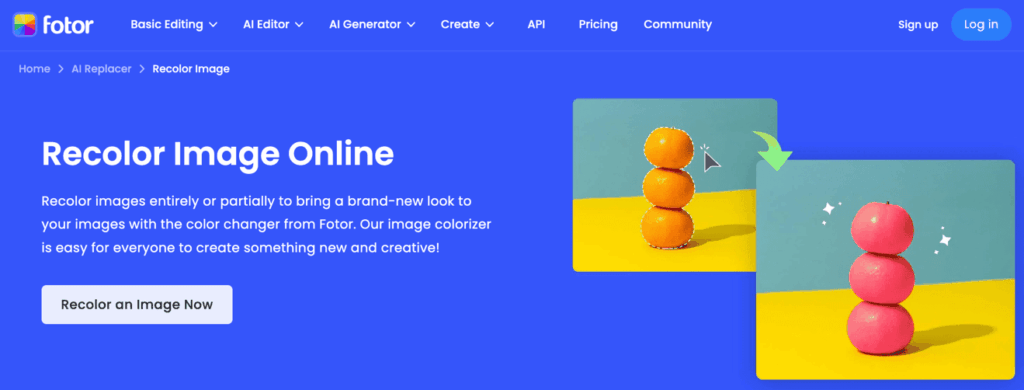
Strengths
- Combines HSL manual controls with AI text prompt recoloring — useful for users who want both quick AI edits and manual fine-tuning
- No account required for basic use; straightforward interface with no learning curve
- Good for photo restoration and colorization of old or faded images alongside recolor tasks
Limitations
- Credit system is a recurring user complaint: credits are consumed even for unsatisfactory results, and the rules for credit consumption are unclear, per Capterra and Software Advice reviews
- AI recolor output can look “artificially flat” — one independent 2026 review describes Fotor as occupying “an awkward middle ground: too limited for serious photo work”
- High-resolution downloads and advanced AI features require a Pro subscription ($10.99/month).
5. LimeWire — Best for Prompt-Based Recoloring
Best for: Users comfortable writing text prompts who need quick, object-specific color replacement.
LimeWire is a file-sharing and AI editing platform whose recolor function is entirely prompt-driven — users describe the color change they want in text, and the AI applies it. Each operation costs 6 credits; new users start with 60, giving approximately 10 free recolor operations.
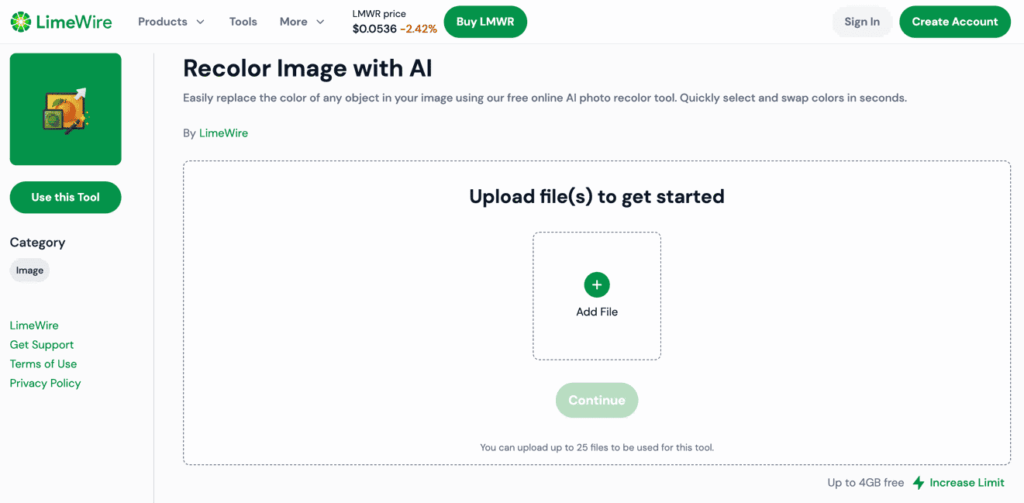
Strengths
- Handles a wide range of file formats; supports large file sizes up to 200GB on paid plans
- Free tier provides 60 credits — enough to test the tool meaningfully before committing
- Simple drag-and-drop interface; most users find it easy after a short learning period
Limitations
- Multiple Capterra and Software Advice reviewers describe the product as “feels cobbled-together” — the combination of file sharing, AI tools, and a token system creates an unclear identity
- UI can be laggy or crashy on browser-heavy tasks, per user reports
- The AI recolor function is an add-on to a file-sharing platform, not a purpose-built tool. Output quality is noticeably lower than dedicated recolor tools
6. Media.io — Best for Photo Restoration and Colorizing
Best for: Restoring old or faded photos, not precision apparel recoloring.
Media.io is a general media processing suite offering AI tools for video, image, and audio editing, with its recolor strength focused on one-click restoration of old or black-and-white photos rather than precise garment color-swapping. As a dedicated clothing recolor tool, it’s weaker than the specialized options above.
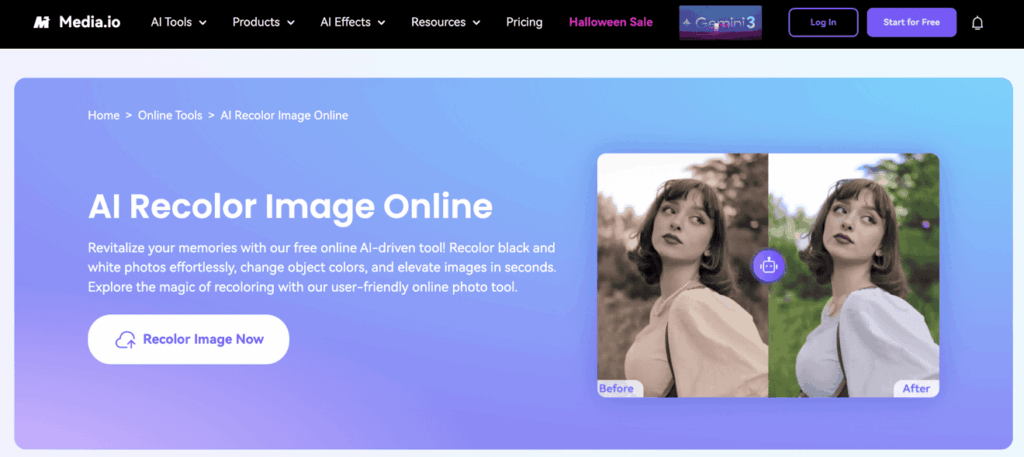
Strengths
- Excellent for restoring old, faded, or black-and-white photos with AI colorization
- Broad media suite covers many editing tasks beyond recolor
Limitations
- Free exports include a watermark
- Dedicated recolor function is less precise than fashion-focused tools
- Not built for e-commerce apparel workflows
7. Vheer — Best for High-Volume, Low-Fidelity Recolor
Best for: Users who need unlimited access to recoloring and can accept lower output quality.
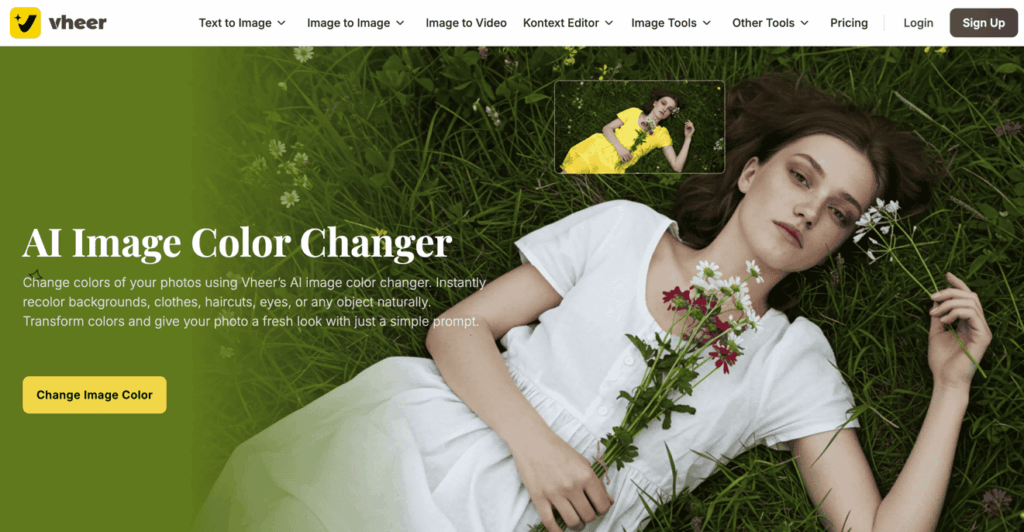
Vheer is an AI image editing platform that offers unlimited recolor operations on its free plan, with quality restrictions rather than usage caps. It’s practical for generating many quick color previews, but output resolution isn’t suitable for professional product listings or client deliverables.
Strengths
- Genuinely unlimited free image generation with no watermark — rare in this category
- No signup required; workspace is ad-free, which gives it a more professional feel than many free tools
- Added a Flux Kontext Editor in late 2025 for color changes, style transfer, and object replacement
Limitations
- Independent testing in 2026 found that the tool struggles with hyper-realistic anatomy and complex shading, while performing better with artistic styles than photorealistic garment recoloring
- Output quality is inconsistent: some results look polished, others show visible glitches, and “some prompts require refinement” for acceptable results
- Not purpose-built for fashion or e-commerce recoloring; better suited to creative experimentation than professional catalog use
Which AI Recolor Tool Should You Use?
The right tool depends on what you’re producing and at what volume. With global e-commerce apparel sales projected to exceed $1 trillion by 2027 (Statista), the ability to show products in multiple colorways quickly has become a practical competitive requirement, not a nice-to-have.
For fashion brands and e-commerce sellers who need accurate, watermark-free, production-ready images: Fashion Diffusion is the clear choice. Its fashion-specific training produces results that other general-purpose tools can’t match for apparel, and the free trial lets you test the output quality before committing.
For individual creators doing occasional portrait or lifestyle recoloring: AIEASE or Pixelcut cover most use cases at no cost, as long as you stay within their daily limits.
For quick internal previews where output quality doesn’t matter: Vheer’s unlimited free access makes it practical for rapid iteration before moving to a higher-quality tool for final output.
For photo restoration rather than fashion recolor: Media.io handles colorizing old or faded photos better than any other tool on this list.
Start Recoloring Your Fashion Products with AI
Testing colorways digitally eliminates the cost and time of physical samples. One garment photo can become a complete range of color options — ready for product pages, social media, or a buyer presentation — in minutes.
Try Fashion Diffusion’s AI Recolor tool free →
FAQ
Fashion Diffusion leads for fashion and e-commerce use — it’s trained specifically on apparel images, preserves fabric texture accurately, and produces watermark-free output on the free trial. For portrait and casual recoloring, AIEASE and Pixelcut are strong free alternatives within their daily limits.
Yes. Pixelcut and AIEASE both automatically detect multiple objects in a single image. Fashion Diffusion also supports manual brush selection to isolate specific garments in complex shots.
For speed and ease, yes. AI recolor tools automate the masking and color replacement process that takes 15–30 minutes manually in Photoshop. They preserve fabric texture and lighting automatically. For very precise adjustments requiring fine manual control, Photoshop still offers more granular editing options.
Yes, provided the output accurately represents the actual product color and meets platform image quality requirements. Fashion Diffusion produces high-resolution, watermark-free output on its free trial that meets standard marketplace requirements.
Upload your garment image, use AI auto-detection or the manual brush to select the clothing area you want to recolor, choose a color from the palette or enter a HEX code, and click Generate. Output is ready within seconds — no Photoshop skills required.
It depends on the tool. Fashion Diffusion’s free trial output is commercial-use ready. Pixelcut’s free plan explicitly restricts commercial use — a Pro upgrade is required. Always check each platform’s terms before using free-tier output in commercial contexts.
Specialized fashion tools like Fashion Diffusion handle a wide range of fabric types — cotton, silk, denim, knit, lace — with texture preserved through the color change. General-purpose tools tend to flatten fabric texture, which is more noticeable on textured or sheer materials.



关于作者